How to Download WhatsApp Plus Status: Full Guide 2025
Learn how to safely download WhatsApp Plus statuses with privacy protection, anti-ban tips, and smart security practices. Updated for 2025.
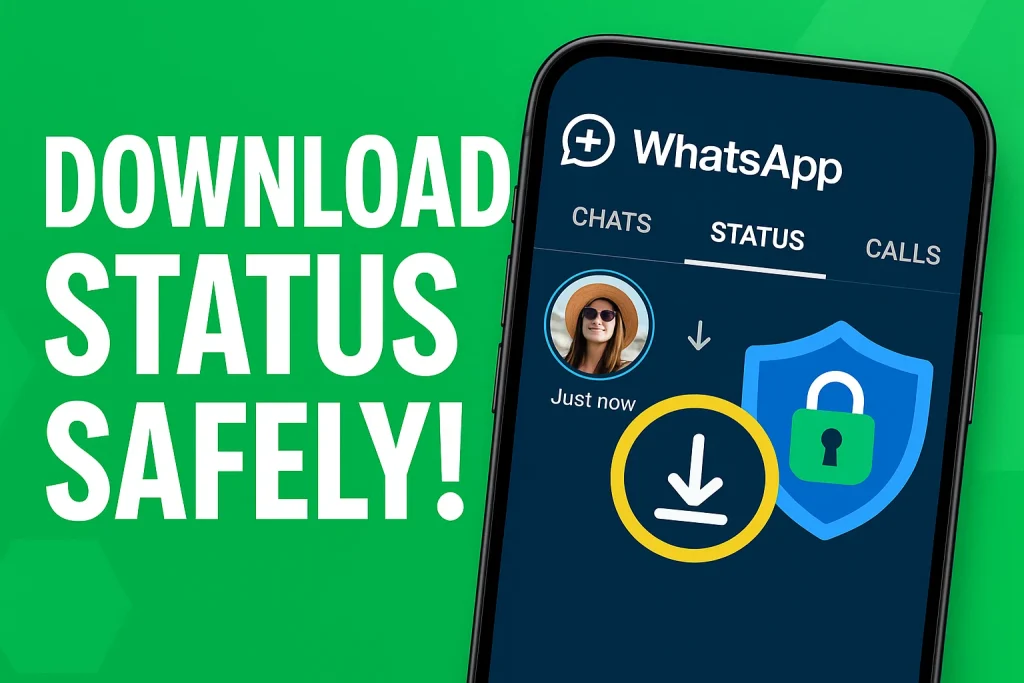
Downloading a WhatsApp Plus Status is a smart way to save your friends’ photos and videos directly to your phone — without using any extra apps. Many people want to keep fun, emotional, or important updates before they disappear in 24 hours. That’s why this guide is here to help you use the built-in Status Download option in WhatsApp Plus with confidence, even if you’re completely new to it.
In this complete and trusted guide, you’ll learn how to download WhatsApp Plus statuses in high quality, fix common issues like download button not showing, and find the saved media easily on your device. We’ll share safe methods, expert recommendations, and simple steps, so you don’t face confusion. Stay tuned if you want HD status saving, more privacy control, and a smoother experience than the official WhatsApp.
More feature here:
What Is the Status Download Feature in WhatsApp Plus?
The Status Download feature in WhatsApp Plus allows you to save photos and videos directly from the Status screen without screenshots or screen-recording. It enhances convenience, supports high-resolution media, and improves privacy by avoiding third-party apps.
How to Download Status in WhatsApp Plus
- Open WhatsApp Plus and make sure you are using the latest version for smooth downloading.
- Go to Settings → Privacy & Security and enable the Status Download option if it’s turned off.
- Refresh the Status tab so the app can show the download button properly.
- Tap the Status you want to save — whether it’s a photo or a video.
- Look for the Download icon (usually at the bottom or top-right corner of the screen).
- Tap the download button to save photo status instantly to your device storage.
- For video statuses, allow the download to complete without switching apps to avoid errors.
- Once saved, open your File Manager and go to Internal Storage → WhatsApp Plus → Media → Statuses to find the downloaded files.
- If you want to view them quickly inside the app, enable Save to Gallery from media settings so all saved statuses appear directly in your phone gallery.
- In case the files don’t show up, give Storage Permission to WhatsApp Plus and recheck the Statuses folder.

WhatsApp Plus Status Download Settings You Should Check
- Check if the Save to Gallery option is turned on; it ensures all downloaded statuses appear directly in your phone gallery.
- Go to Settings → Privacy & Security and confirm that Status Download is enabled, so the download icon always shows on status views.
- Verify Storage Permission is granted to WhatsApp Plus, otherwise photos and videos may not save properly.
- Open Media Settings and check the storage path to know exactly where your saved WhatsApp Plus statuses are stored.
- Enable High-Quality Upload and Download to keep HD images and video statuses clear and smooth.
- Refresh the Status tab after changing settings to make sure changes apply instantly.
Why WhatsApp Plus Is Better for Status Downloading
WhatsApp Plus makes status downloading far more convenient because everything is built right into the app — no extra tools, no complicated tricks. You get a visible download button, the ability to save HD Status Videos and high-quality images, and full control over where your media is stored. Unlike the official app, WhatsApp Plus Status Download doesn’t force you to take screenshots or rely on third-party apps that may compromise your privacy. So, if you love keeping funny clips, family updates, or aesthetic posts shared by friends, this mod gives you a smoother, safer, and more flexible way to save them — while staying in full control of your privacy and media quality.
Is Downloading Status Safe and Legal in WhatsApp Plus?
Downloading status using WhatsApp Plus can be risky because this app isn’t official and may trigger Play Protect warnings or anti-ban issues from WhatsApp. Since it’s a mod version, your data security and privacy aren’t guaranteed the same way as the original app. Always think about privacy ethics — saving someone’s photo or video status without permission could violate their trust. So, use this feature carefully and only download content you’re allowed to keep.
Conclusion
Saving WhatsApp Plus Status is quick, simple, and much more flexible than the official WhatsApp. With the built-in download button, high-quality media saving, and privacy-friendly options, you can easily keep your favorite videos and photos forever. Just remember to check the right settings and follow safe downloading practices. When used responsibly, WhatsApp Plus gives you a smooth and enjoyable status saving experience.
Still confused about something or facing issues like the download button not showing? Don’t worry — feel free to ask your questions in the comments and our team will help you out. Also, don’t forget to bookmark WAPlusInfo.com so you can come back anytime for more WhatsApp Plus guides, troubleshooting tips and updated features. Share this article with others who might find it helpful!
Also read for more information: